

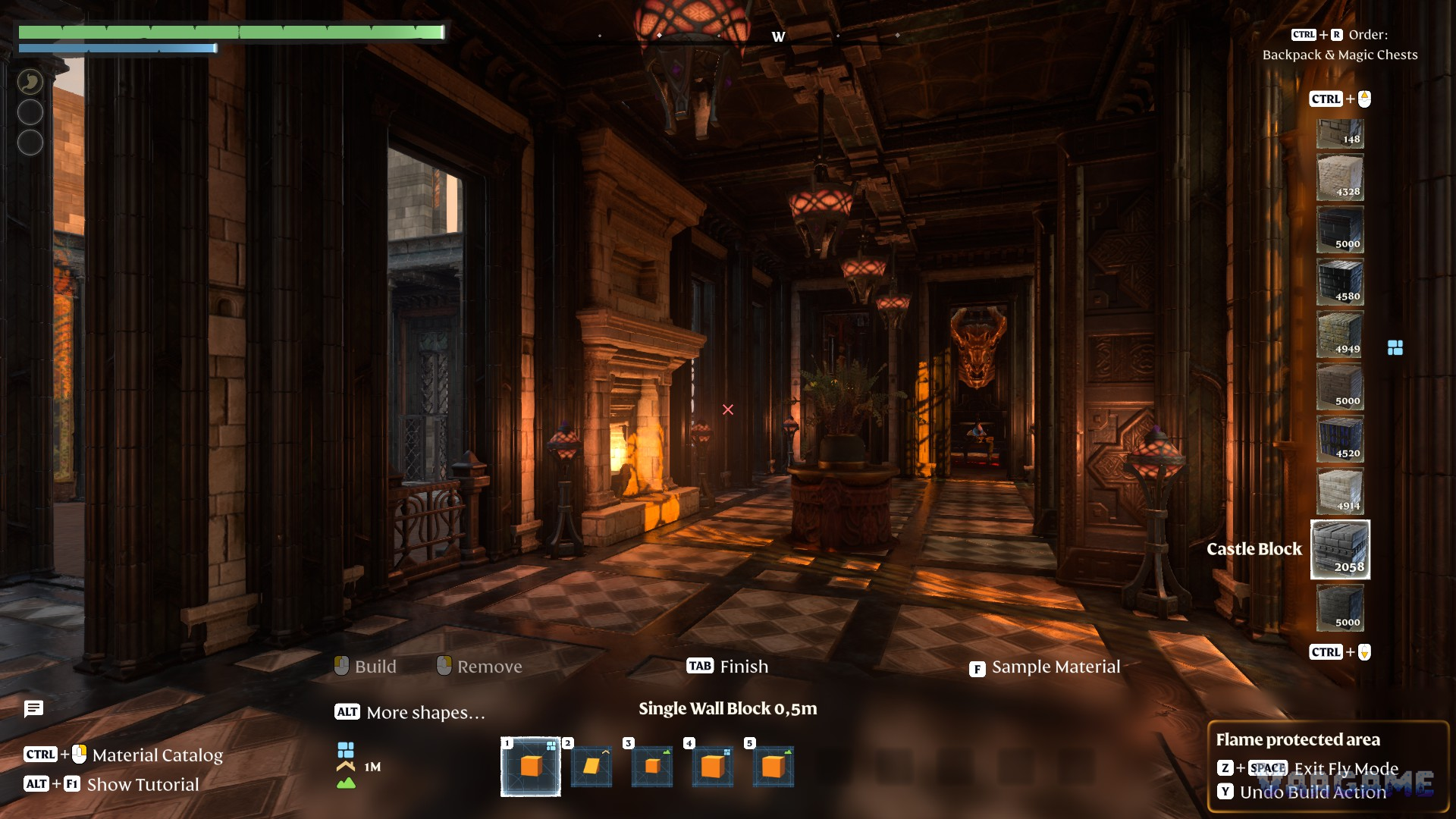
Sparkworks is the biggest change to building in Enshrouded 1.0. Before it, a base was something you looked at. With Sparkworks, a base is something you play: pull a lever and a door opens, step on a plate and a trap fires, solve a puzzle and the way forward unlocks. Combined with Adventure Sharing, which lets you publish your version of Embervale for other players to explore, Sparkworks turns base building into dungeon building. This guide explains what the system is, how to unlock it, how its logic works in broad terms, and how to plan a first project that actually works.
What Sparkworks Is
Sparkworks is a logic system, not a new building material. You place pieces that send a signal, pieces that receive a signal, and logic nodes that decide what happens in between, then link them together in a visual graph editor. The classic example is simple: a lever connected to a door. Pull the lever, the door opens. The interesting version is everything after that: two switches that must both be hit before a trap switches off, a pressure plate that locks a door behind you and summons enemies, or a timed sequence where events fire one after another.
Keen Games describes the result as turning a base into an interactive adventure, and that is the right way to think about it. You are no longer decorating rooms; you are designing encounters. A corridor becomes a puzzle, a hall becomes an arena, and a dead end becomes a reward room that only opens when the player has done something to earn it. The system arrived with version 1.0 on October 15, 2026, alongside the full story ending, and it builds on Adventure Sharing, the world-sharing feature added in the Forging the Path update in April 2026.
How to Unlock Sparkworks
Everything in Sparkworks is locked behind a single side quest, so you cannot stumble into the toolset early. The quest is called Contraptions and Mechanisms, and it comes from Cade Hawthorn, the Carpenter, once he is sheltered at your base. If you have not rescued and housed the Carpenter yet, that is your first step, not the quest itself.
Rescue the Carpenter and give him a sheltered bed at your base, then accept Contraptions and Mechanisms from him.
Travel to the Trapped Night Sanctum, southeast of the Ancient Spire in Revelwood, and enter it after dark.
Work through the sanctum and loot its ornate chest. This completes the search objective and unlocks the Sparkworks Tool and the Sparkworks Workbench recipe.
Craft and place the Sparkworks Workbench at the Carpenter. From it you can craft the logic pieces themselves, including Switchboxes, levers, buttons, pressure plates, traps and trapdoors.
The sanctum itself is worth paying attention to, because its spikes and sealed doors are built from the same pieces you are about to unlock. Treat it as a free demo: notice which input fired which trap, and where a door only opened after you did something specific. That is exactly the design language your own dungeons will use.
Inputs, Outputs and Logic Nodes
Every Sparkworks circuit has the same shape: something happens, something decides, something reacts. Inputs are the things players interact with. Outputs are the things that change in the world. Logic nodes sit between them and decide when an output should fire. You edit all of this with the Sparkworks Tool, which opens the graph for a Switchbox or a connected piece within your base, and Switchboxes act as the visible hubs where circuits can be inspected and organised.
Swipe horizontally to view all columns.
| Part | Role | Example use |
|---|---|---|
Lever, push button, switch button, shootable button | Input | Pull or hit it to send a signal |
Pressure plate, trigger zone | Input | Fire when a player steps in or enters an area |
Door, trapdoor | Output | Open, close or drop when signalled |
Trap, enemy spawner, water release, lightning strike | Output | Spring, spawn or strike on cue |
Switchbox and Sparkworks Tool | Hub and editor | Hold and edit the circuit graph |
Logic nodes are what turn a switch into a puzzle. Gates such as AND, OR, NOT, NAND and XOR combine signals: an AND gate only fires when every connected input is on, while an OR gate fires when any one of them is on. Timing nodes change when a signal fires: a Clock pulses on a repeating interval, Hold keeps a signal active for a set time, and a Flank sends a brief pulse that switches off again. Memory nodes remember: a Toggle flips state each time it is triggered, and a D Flip-Flop stores a state until it is changed. Enemy spawners add a further twist, summoning enemies you have already defeated, though unique world bosses are excluded.
How Adventure Sharing Turns a World into a Dungeon
Adventure Sharing is the publishing half of the system. From the in-game menu you can publish your version of Embervale so other players can find it, browse popular adventures, filter by tags, look up a specific world by its Share Code, and subscribe to worlds you want to follow. Version 1.0 expanded the browsing menus with more lists per sorting category and a highlighted category. A shared world is not a screenshot of your base: visitors actually walk through it, pull your levers, trip your traps and solve your puzzles.
That is why Sparkworks matters so much to Adventure Sharing. Before logic tools, a shared world was mostly architecture to admire. With logic tools, it can be a designed experience with pacing: a quiet entrance, a puzzle that teaches one mechanic, a harder version of the same mechanic, then a reward. Keen Games published its own showcase dungeon through Adventure Sharing so players can open its circuits and study how they were built, which is the fastest way to learn the system after you finish the unlock quest.
Practical Advice for Your First Project
The most common beginner mistake is building too big. A ten-room dungeon with ten circuits is ten chances for something to break in a way you cannot trace. Start with one room and one idea, test it until it is boringly reliable, and only then add a second room that reuses the same idea with one twist. Players enjoy a small dungeon that works far more than a large one that soft-locks them.
Build one circuit first: a lever that opens a door. Walk through it yourself before adding anything else.
Teach one mechanic per room, then combine two mechanics only in the final room.
Name your inputs and outputs clearly in the graph, such as entrance lever or exit plate, so a ten-node circuit stays readable.
Always build an escape: a way out if a puzzle is failed, so visitors are never permanently trapped.
Test as a visitor, not as the builder. Walk the route without using the editor, and watch where a stranger would get confused.
Publish only after a full playthrough. A shared dungeon that breaks halfway is worse than a small one that finishes cleanly.
What to Build Next
Once your first room works, the natural next steps are a timed puzzle using a Clock, a two-switch puzzle using an AND gate, and a small arena where a trigger zone spawns enemies and locks the doors until they are defeated. Each of those is one new node on top of what you already know, which is how good Sparkworks dungeons grow: one idea at a time, tested at every step, until a base becomes an adventure worth sharing.