
At a glance
The short version
- Game
- Gaming Gear & Reviews
- Guide type
- Buying Guides
- Read time
- 7 min read
- Last updated
- Nov 7, 2026
Quick answer
99, the Samsung Odyssey Neo G9 57-inch at $1,449.
This guide contains affiliate links. If you buy through them, Vaagame may earn a commission at no extra cost to you.
Guide details
Swipe horizontally to view all columns.
| Pick | Best for | Price, Nov 6, 2026 |
|---|---|---|
LG UltraGear 27GS93QE-B | 240Hz OLED for shooters and single-player | $544.99 |
Samsung Odyssey Neo G9 57-inch | Ultrawide immersion, sim and open-world games | $1,449.99 |
ASUS TUF Gaming VG27AQ1A | Budget 1440p for any game | $229 |
Quick answer
Buy the LG if you play shooters like Valorant or Black Ops 7 and want OLED blacks at the lowest honest price. Buy the Neo G9 if your desk and your GPU can feed a 57-inch Dual 4K screen and you play open-world, racing, or flight games. Buy the ASUS if $229 is the budget and you want a solid 1440p 170Hz screen now. If you only play one competitive shooter and already own a 144Hz screen, wait for a sale: the LG has repeatedly hit $499.99.
The three picks, side by side
Swipe horizontally to view all columns.
| Model | Panel and size | Resolution and refresh | Price, Nov 6, 2026 |
|---|---|---|---|
LG 27GS93QE-B | 27-inch WOLED | 2560x1440, 240Hz, 0.03ms | $544.99 |
Samsung Odyssey Neo G9 57-inch | 57-inch Mini-LED VA, 1000R curve | 7680x2160 Dual UHD, 240Hz | $1,449.99 |
ASUS TUF Gaming VG27AQ1A | 27-inch IPS | 2560x1440, 170Hz, wide gamut | $229 |
1. LG UltraGear 27GS93QE-B: the cheapest honest way into 240Hz OLED
A 27-inch WOLED panel at 2560x1440, 240Hz, and 0.03ms response, with DisplayHDR True Black 400, FreeSync Premium Pro, G-Sync Compatible, and HDMI 2.1. Our review drew on 383 Amazon-tracked ratings plus Best Buy owner reviews: owners say the picture makes LCD look flat, and the complaints are the standard OLED ones, not surprises. LG covers the OLED panel for two years in the US.
2. Samsung Odyssey Neo G9 57-inch: two 4K screens in one
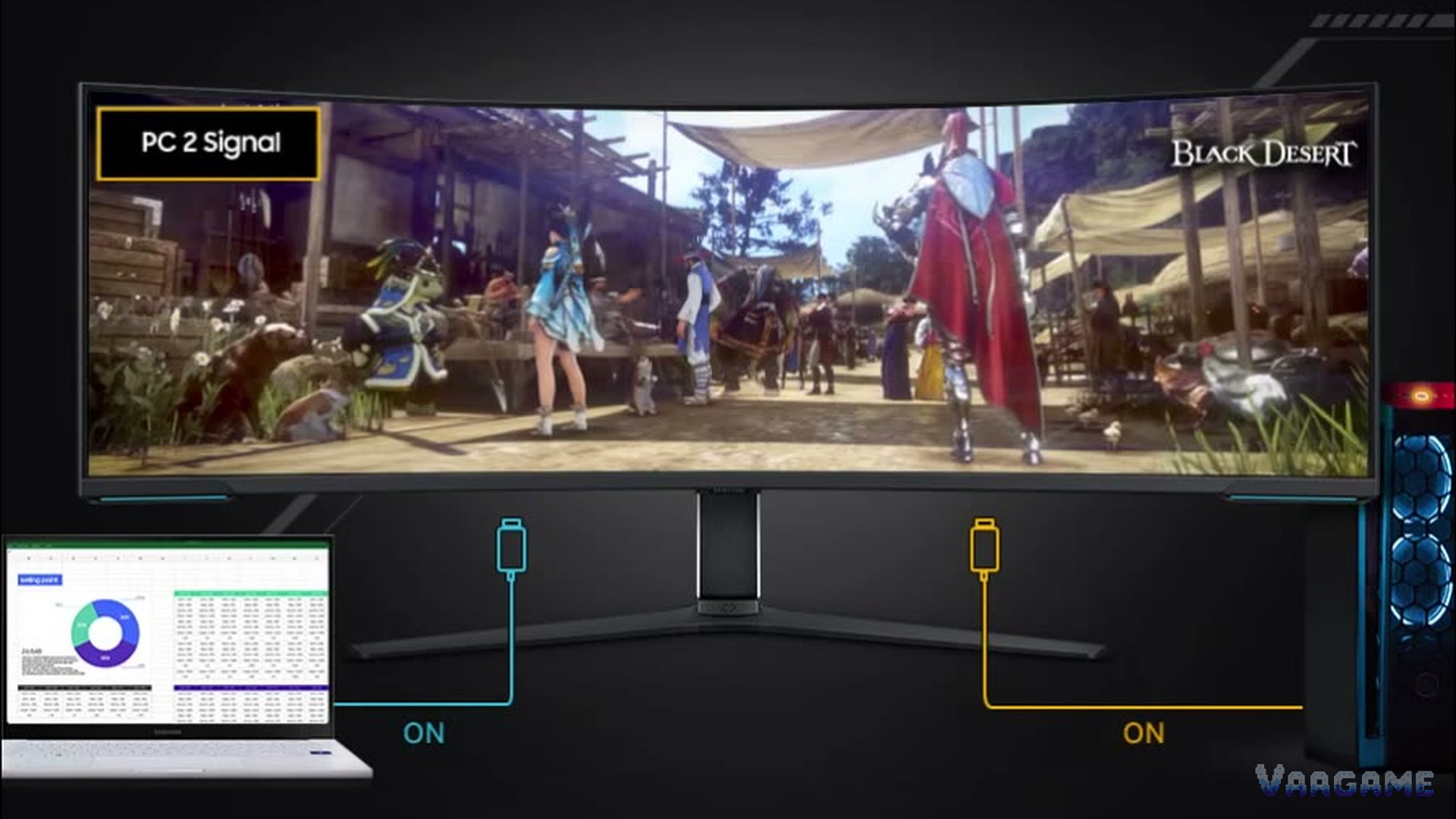
A 57-inch Mini-LED VA panel, 7680x2160 Dual UHD, 240Hz, with a 1000R curve that wraps your view. Our review drew on 557 Amazon-tracked ratings, Best Buy owner reviews, and forum threads: the immersion is the point, and the gates are real. You need DisplayPort 2.1 for full 240Hz, a desk at least about 140 cm wide, and a GPU that can push 7680x2160. Some owners report quality-control issues, so buy from a store with easy returns.
3. ASUS TUF Gaming VG27AQ1A: the budget 1440p pick
A 27-inch IPS panel at 2560x1440 and 170Hz, with a wide color gamut. Our review drew on 1,366 tracker ratings, a buyer guide pick, and forum threads. The panel is the value; the stand is the compromise, tilt-only, so plan on a monitor arm or a stack of books if you need height adjustment. Test the sRGB mode before you judge the colors: out of the box the wide gamut oversaturates desktop work.
How to choose
Match refresh rate to your GPU. A 240Hz screen only pays off if your GPU holds high frame rates in your games; otherwise 165Hz or 170Hz is enough.
OLED or IPS. OLED wins on blacks and motion; IPS wins on price, brightness in sunny rooms, and zero burn-in worry.
Measure the desk first. The Neo G9 needs about 140 cm of width; a 27-inch screen fits a normal desk.
Check the ports. The LG and the Neo G9 both need the right cable for full refresh: HDMI 2.1 on the LG, DisplayPort 2.1 on the Neo G9.
Black Friday early deals worth watching
FAQ
Is OLED burn-in still a concern in 2026? Yes, but smaller than it was. Mixed use with varied content is fine; a static taskbar and the same app all day is the risky pattern. LG covers the panel for two years.
Is 1440p enough at 27 inches, or should you pick 4K? 1440p at 27 inches is sharp for games and far cheaper to drive. 4K at 27 inches mainly helps text and creative work, and it needs a much stronger GPU.
How many Hz do you need for shooters? 144Hz or higher is the baseline; 240Hz helps if your GPU holds the frame rate and you play competitively. Above 240Hz, the gain is small for most players.
Bottom line: most players should buy the LG at $544.99, or wait for its $499.99 repeat. The ASUS at $229 is the right call on a fixed budget. The Neo G9 at $1,449.99 is for a big desk, a strong GPU, and games that reward width. Prices on this page were checked on November 6, 2026, and move fast in Black Friday season, so check the listing before you buy.