

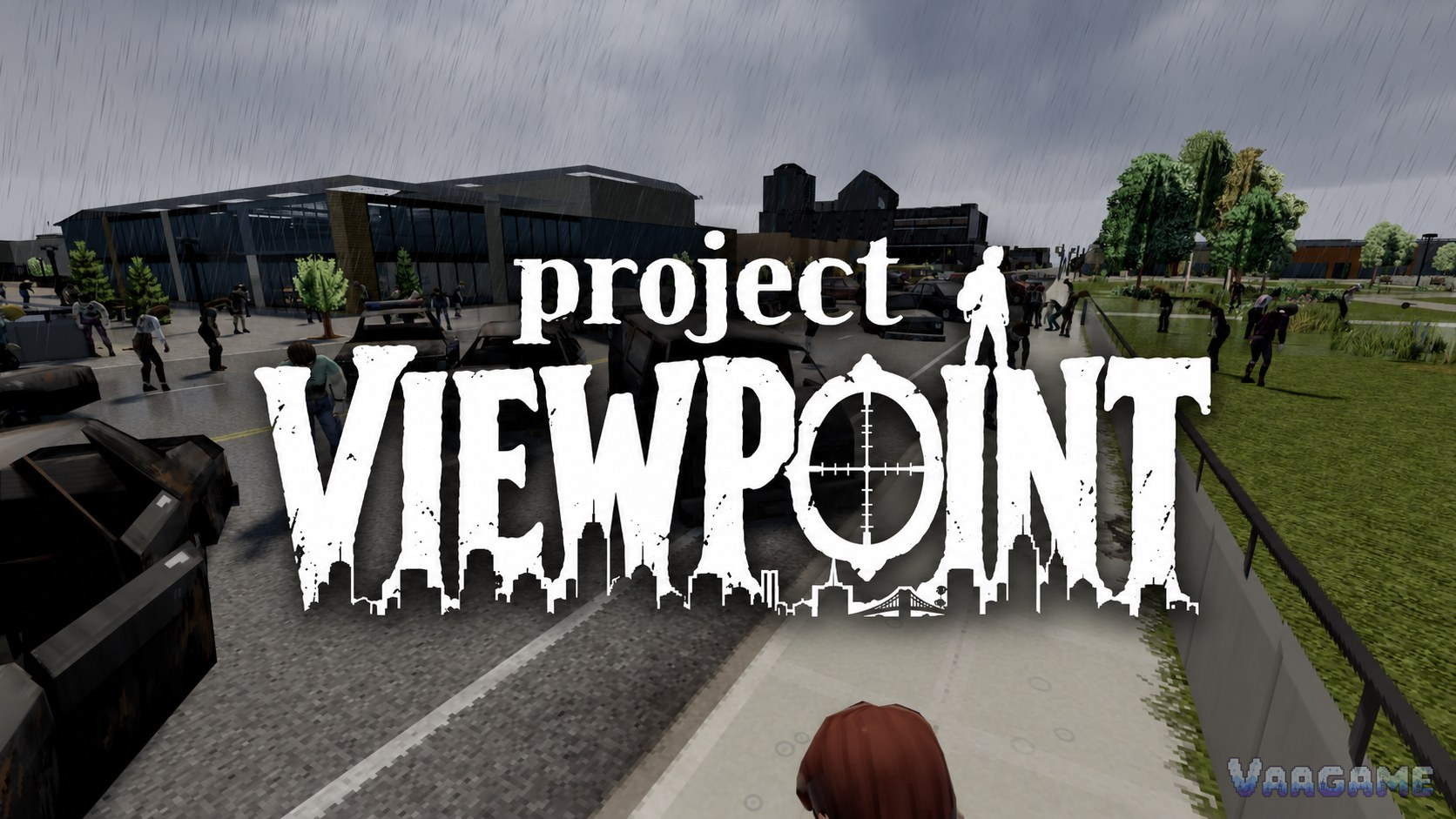
Project Zomboid’s isometric camera now has two serious rivals. Project Viewpoint rebuilds the game on a custom 3D engine with first and third person cameras, real shadows and shader packs, and it has passed 664,000 Workshop subscribers since late September
2026. PZ3D, the framework that appeared days earlier, takes the same ground-level idea and opens it to community model packs. Both are free, both run on Build 42, and both need the same one-time homework first: the ZombieBuddy loader, a Java mod framework that sits outside the normal subscribe-and-play flow. This guide installs both, step by step, with the controls, the add-ons worth adding, the fixes for the common failures, and the official warning you should read before any of it.
Quick answer
Start with Project Viewpoint if you want to play today: it is the finished-feeling package, with working multiplayer and about 664,000 subscribers (checked October 24, 2026).
Neither mod works from Subscribe alone. Install the ZombieBuddy loader once (Workshop ID 3619862853), then approve each mod’s Java code in its pop-up dialog when the game starts.
Project Viewpoint switches cameras with O and opens its settings with Delete. PZ3D enters 3D with Insert and needs at least 6 GB of RAM allocated to the game.
Both mods are works in progress, and The Indie Stone does not support Java mods at all: expect breakage after game updates and keep a backup of any save you care about.
The two add-ons that change the experience most are the 6244 3D models pack (about 451,000 subscribers) and Project Viewpoint QOL (about 137,000).
At a glance
Game: Project Zomboid, Build 42.21 (current stable)
Mods covered: Project Viewpoint (Workshop ID
3809306528) and PZ3D (Workshop ID 3807334881)
Required first: ZombieBuddy loader (Workshop ID 3619862853)
Cost: every mod in this guide is free
Platform: PC via Steam Workshop; PZ3D posts Linux instructions on its site and has no macOS build yet
Multiplayer: Viewpoint fully supports it; the PZ3D author FAQ says yes, treat that as the newest, roughest part
Status: both mods are early, actively updated works in progress (checked October 24, 2026)
1. Two mods, one idea: pick your renderer
Project Viewpoint is a custom rendering engine built on modern OpenGL with a PBR pipeline — physically based rendering, where materials react to light the way real surfaces do. It keeps the whole Zomboid gameplay loop and lets you play it from first or third person, with a Vanilla look that mirrors the original art and a Modern look driven by shader packs. Combat stays vanilla, and the author has aimed for performance: if the base game runs well on your machine, Viewpoint should too.
PZ3D is a framework first. Its stated goal is to bring the camera down to the character and make every vanilla mechanic work from that perspective, while the community supplies models through extension packs. The author writes the Java engine code himself and does not let extensions add code of their own. PZ3D launched on September 24, 2026, days before Viewpoint appeared, and it is the rawer of the two: version 0.9.1, a roughly 404 MB download, and a Workshop page that warns bugs are 100% expected.
Swipe horizontally to view all columns.
| Area | Project Viewpoint | PZ3D |
|---|---|---|
Best for | Playing a full run now, solo or with friends | Tinkerers and model-pack builders |
Subscribers (October 24, 2026) | About 664,000 | About 70,000 |
Download size | About 34 MB | About 404 MB |
Cameras | First person, third person, free camera | First and third person at ground level |
Multiplayer (author sources) | Fully supported, including joining servers | FAQ says supported; launch-week coverage said single-player only |
Extra homework | The ZombieBuddy approval click on launch | ZombieBuddy 2.3.4 or newer, plus 6 GB of RAM allocated |
2. First, the loader: install ZombieBuddy once
ZombieBuddy (by Andrey “Zed” Zaikin, about 848,000 subscribers) is a framework that lets Java mods change the game’s code directly. Ordinary Lua mods cannot move the camera into a new rendering engine, so both first-person mods run through it. You install the loader once; every Java mod after that is a subscribe, an enable, and one approval click. The loader supports Build 41 and Build 42.12 to 42.21, works in multiplayer, and its page states it is safe to add or remove on existing saves.
1. Subscribe to ZombieBuddy on the Steam Workshop (ID
3619862853) and let the download finish.
2. Windows, the easy route: download ZombieBuddyInstaller.exe from the project’s GitHub Releases page, run it, choose Install or update ZombieBuddy, and patch Both launch modes when asked. The installer lists every change before applying it; close Steam if it asks you to.
3. Windows, the manual route: copy ZombieBuddy.jar and zbNative.dll from steamapps/workshop/content/108600/3619862853/mods/ZombieBuddy/libs into steamapps/common/ProjectZomboid, then add this Steam launch option: -agentlib:zbNative -- (the two trailing dashes are mandatory).
4. Linux or macOS: copy ZombieBuddy.jar into the game folder instead (Linux: common/ProjectZomboid/projectzomboid; macOS: inside Project Zomboid.app, under Contents/Java) and use the launch option -javaagent:ZombieBuddy.jar -- .
5. If you play through the game’s Alternate Launch on Windows, set the _JAVA_OPTIONS line in ProjectZomboid64.bat to: SET _JAVA_OPTIONS=-agentlib:zbNative
6. Start the game once. A running loader shows its watermark during boot; that watermark is your confirmation the patch worked.
From then on, whenever a Java mod ships a new or changed JAR file, ZombieBuddy stops and shows a native approval dialog with the mod’s id, file path, last-modified date and SHA-256 fingerprint. Nothing loads until you click Yes, and you can make the choice stick per mod and per file version. Hold Shift while the game loads to force the dialog for mods you approved before. The default policy asks every time; the stricter option is policy=deny-new in the launch argument, which silently skips anything unapproved.
3. Install Project Viewpoint
1. With ZombieBuddy installed, subscribe to Project Viewpoint (ID 3809306528, about 34 MB).
2. Launch the game and open the Mods menu from the main menu.
3. Enable ZombieBuddy and Viewpoint, loader first in the list, then start a world. If the game asks for a restart, accept it.
4. When the ZombieBuddy approval dialog names Viewpoint, check the details and click Yes; tick the option to remember the decision so you are not asked on every launch.
5. Spawn in, then press O to switch first person on. Shift + O moves between first and third person.
6. Recommended extra: subscribe to the 6244 3D models pack (ID
3810302175) so the world’s objects get real 3D models, and enable it after Viewpoint.
One default to fix immediately: the top note on Viewpoint’s page says terrain relief — the hills — was never meant to be on by default. If your Kentucky looks strangely mountainous, open the world settings, go to Detail, and switch the Terrain Relief toggle off. And if something breaks later, know where the evidence lives: Viewpoint writes its own lines into Zomboid/console.txt, and that file, your graphics card and your chosen preset are what the author asks for in a bug report.
4. Viewpoint controls and the Delete menu
Swipe horizontally to view all columns.
| Key | Action |
|---|---|
Middle mouse button | Toggle the cursor on or off |
O | First person on or off |
Shift + O | Switch between first and third person |
Insert + O | Free camera |
Shift + Insert + O | Physical free camera |
Delete | Settings window: presets, shader pack, mouse, field of view |
The Delete window is where Viewpoint’s look is decided. Vanilla is the clean, fast preset and suits any GPU. Default turns the full effect set on, each effect with its own switch. Vivid is the showcase: warmer light, thick fog, cloud shadows, light shafts, lens flare, depth of field and motion blur. Custom packs go in the Zomboid/viewpoint-shaderpacks folder, and the mod even experiments with IRIS-compatible Minecraft shader packs. Start on Vanilla or Default; Vivid is a frame-rate decision as much as an art one.
5. The PZ3D route: framework, 6 GB of RAM, Insert to enter 3D
1. Close the game completely — the PZ3D page is explicit about this first step.
2. Subscribe to pz3d (ID 3807334881, about 404 MB).
3. Install the official ZombieBuddy, version 2.3.4 or newer, from GitHub, using the loader steps in section
2. A separate ZombieBuddy 3.0 beta also sits on the Workshop; it is a different install, the two cannot coexist, and PZ3D’s stated requirement is the 2.3.4 line, so stay on the release version.
4. Give the game at least 6 GB of RAM in its launch settings — the author lists this as a requirement, ahead of everything else.
5. Launch, enable pz3d in the Mods menu, approve it in the ZombieBuddy dialog, and spawn into a world.
6. Press Insert after spawning to enter 3D (the on-screen icon works too). The toggle can be rebound under Options, Mods, pz3d.
PZ3D’s controls are its own. Right-click aims down sights, holding right mouse enters target mode, right-clicking items and tiles opens the context menu, the wheel zooms and runs quick actions on containers, E stays the default interaction, and Tab taps for an overlay or holds for the cursor. Windows is the fully supported platform; Linux players get instructions on the project’s site, pz3d.dev, and macOS is not supported yet. One more piece of discipline: install one renderer at a time. Viewpoint and PZ3D are rival engines, and no source we could check tests them running together.
6. Multiplayer: Viewpoint is ready, PZ3D is catching up
Viewpoint’s page states its position plainly: fully multiplayer compatible, heavily optimised, and you should be able to join about any online server as long as its mod list is compatible. Every player still needs the same mods enabled — the 3D Helicopter Event’s page spells out the failure mode (kicked for mismatched mods) and its fix: the server and every player run the same list. Server owners fold Viewpoint and ZombieBuddy into the usual WorkshopItems and Mods lines; our server mods guide covers those two lines in detail.
PZ3D needs one careful sentence. Launch-week coverage described it as single-player only, while the author’s current FAQ answers the multiplayer question with a plain yes. We go with the Workshop page, because it is the author’s current word, and we flag the obvious: multiplayer is the newest part of a 0.9.x framework, so test it on a throwaway world before committing a long-running co-op save. ZombieBuddy itself is multiplayer-safe by design: each player installs the loader locally, and Java add-ons such as the helicopter ask for approval on every machine.
7. Add-ons that earn their place
Viewpoint’s ecosystem grew faster than the mod itself. Four additions stand out; every figure below was checked on the Workshop on October 24, 2026.
Swipe horizontally to view all columns.
| Add-on | Workshop ID | Subscribers | What it adds |
|---|---|---|---|
6244 3D models for Viewpoint | 3810302175 | About 451,000 | Real 3D models for the world’s objects, so shelves, tools and clutter stop being flat sprites. A separate edition serves PZ3D (ID 3810051489). |
Project Viewpoint QOL | 3811256204 | About 137,000 | First-person interaction fixes: G equips or reads whatever you are looking at, V chooses the loot destination, K toggles the loot menu, and Shift + wheel cycles the hotbar. |
3D Helicopter Event | 3818359767 | About 30,000 | The invisible vanilla helicopter becomes a visible UH-1H with voiced loudspeaker warnings. In multiplayer every player must allow it in the ZombieBuddy dialog, or they only hear it. Safe to add to an existing save. |
Project Viewpoint: Kentucky Nights | 3821241473 | About 7,100 | A brighter star sky and Milky Way from a real star catalogue, positioned for Louisville. Requires Build 42.21 and ZombieBuddy 2.3.0 or newer. |
Load order follows the usual Build 42 rule from our install guide: frameworks first, then the renderer, then its add-ons. ZombieBuddy is patched into the game itself rather than ordered in the Mods list; inside the list, put Viewpoint ahead of everything built for it, and the model pack right after Viewpoint.
8. Troubleshooting: the failures everyone hits
Swipe horizontally to view all columns.
| Problem | Fix |
|---|---|
The game starts, but there is no 3D view and no approval dialog | The loader is not patched in. Recheck the launch option including its mandatory trailing dashes, or rerun the installer and let it patch both launch modes. |
A mod you approved before never asks again | Working as designed. Hold Shift during loading to force the dialog, or edit mod_approvals.json inside your .zombie_buddy folder to reset a decision. |
Crashes or red errors after a game or mod update | Expected behaviour for Java mods: updates break them without warning. Disable the first-person stack, wait for the mod authors to catch up, then re-enable in small groups. |
Viewpoint misbehaves after its latest update | Remove the old fix add-ons first. The Texture Guard Fix now titles itself “not needed anymore”, the Weapon Handling add-on is abandoned, and players report older fix packs (car, fire, menu, third-person camera) crashing current builds. |
Stutter and low frame rate | Allocate more RAM first — PZ3D demands 6 GB before anything else — and try the Vanilla preset. Players also report the game’s DLSS, DLAA, upscaler and VSync options hurting these mods; treat that as community experience and test one change at a time. |
Kentucky has hills it never had | Turn Terrain Relief off in the world settings, under Detail. |
The helicopter is audible but invisible in multiplayer | Every player must allow the 3D Helicopter Event in the ZombieBuddy approval dialog. And never spawn it with /chopper — that launches the invisible vanilla event. |
Kicked from a server for mismatched mods | Match the server’s list exactly: same mods, enabled, and updated. Restart Steam fully so Workshop updates finish downloading. |
9. The official line: powerful, popular, and unsupported
On October 21, 2026, The Indie Stone published “A Note on Java Mods and Modding”, and PCGamesN aimed the story squarely at the new first-person mods two days later. The position has three parts. First, the studio officially supports Lua modding only; Java mods, loaders and frameworks are not supported, full stop. Second, updates will break them without warning, the studio will not fix mod compatibility, and bug reports count only when a problem reproduces in an unmodded game. Third, the security point: Java code runs outside the game’s own systems with broad access to your machine, so the studio advises trusted sources only and a preference for open-source projects. Popularity is reassuring; it is never a guarantee.
Now hold that against what this stack does right. ZombieBuddy is open source on GitHub, asks permission per file with a fingerprint, and remembers nothing you did not approve. PZ3D’s author answers the safety question on his own page, in the open: the concern is legitimate, the mod is used at your own risk, and real support for engine-level access would have to come from the developers. Viewpoint’s page is equally blunt that external Java add-ons to it are at your own risk. That candour is what the studio asked the scene for. Read it, then decide with open eyes.
Frequently asked questions
Do I need ZombieBuddy for Project Viewpoint?
Yes. Viewpoint’s own page never prints install steps, but its ecosystem is unambiguous: add-ons list ZombieBuddy as a requirement precisely because Viewpoint needs it, and the loader flow — install ZombieBuddy, enable both mods, approve Viewpoint in the dialog — is the setup the add-on pages assume and current guides describe. Budget ten minutes for it, once.
Which one should I install, Viewpoint or PZ3D?
Viewpoint, for most players: it is roughly nine times larger by subscribers, its multiplayer is proven in the field, and its settings sit one Delete key away. PZ3D earns its place if you want the framework story — open model packs built on a base the author deliberately keeps narrow — and you accept rougher edges, including the 6 GB RAM demand.
Can I add first-person mods to an existing save?
The loader itself is declared safe to add or remove on existing saves, and add-ons like the helicopter event join a running save cleanly. For the renderers, use the same Choose Mods route as any Build 42 mod — Load, the save’s options, Choose Mods — and back the save up first. A rendering engine touches everything you see, and the official warning about changing mods mid-save applies with full force here. Our install guide walks through the Choose Mods steps.
Is any of this safe?
Safer than a random download, short of guaranteed. The three projects are distributed through the Workshop with hundreds of thousands of subscribers, ZombieBuddy is open source and gates every Java file behind a fingerprint approval, and the authors state the risks on their own pages. The Indie Stone’s line stands anyway: you are trusting third-party code with real access to your PC, so keep the approvals deliberate and the sources official.
What happens when Build 42 updates?
Assume both mods break, possibly silently. The studio has said Java mods break without warning and that it will not chase compatibility. The working routine is the one in our install guide: wait a few days after a patch, let the loader and renderer updates land, then re-enable. Mods you approved before may ask again, because an updated JAR carries a new fingerprint — that prompt is the system working, not failing.