

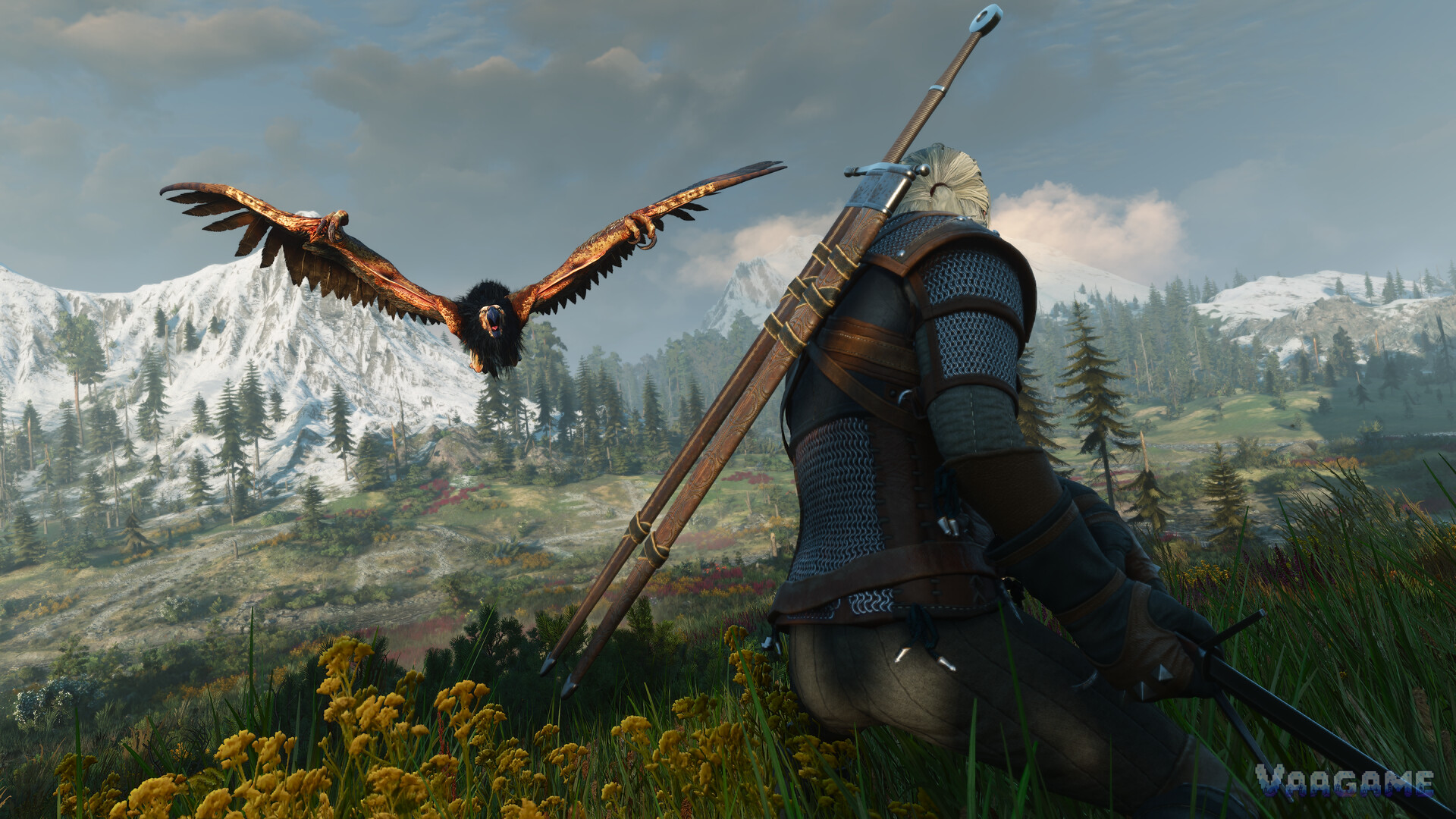
The Remastered changed enough under the hood that most older Witcher 3 mods break on it, so a best-mods list for 5.0 has to be an evidence list first and a taste list second. Every mod below was checked on its own Nexus page on October 27, 2026, for a stated 5.0 or 5.01 requirement, a Remastered edition, or a Remastered-targeted release. Nine mods passed. Two famous names did not, and they are named at the end so you do not install them by habit.
Quick answer
Install one interface overhaul, not two: (Remastered) Friendly HUD or Ink and Iron, never both at once.
Combat Tweaks Remaster and Slots Slots Slots Remastered are the two strongest gameplay picks, both built for
5.x from scratch.
Smart AutoLoot Remaster and Auto Loot Herbs - Remastered remove the looting chore; the first carries an author testing caveat worth reading.
Do not install Ghost Mode or the standalone HD Reworked Project on 5.0: the first has no 5.0 version, the second is already inside the game.
Nexus is running a Remastered Modathon until November 30, 2026, so this list will grow; recheck a mod's page before installing anything not listed here.
At a glance
Game: The Witcher 3: Wild Hunt — Remastered (Steam app 292030)
Version scope: patch 5.0 and 5.01 (Remastered); not for Classic 1.32 or Next-Gen 4.0x
Sources: Nexus Mods mod pages (primary), Nexus Mod of the Month lists, our Remastered guide
Picks: 9 recommended, 2 named as not for 5.0, 1 category left unverified
Last verified: October 27, 2026
1. How this list was chosen
A mod earns a place here only with page-level evidence. Grade A means the mod's own Nexus page states 5.0 or 5.01 support in its requirements or description. Grade B means Nexus list evidence shows a Remastered-targeted release: a Mod of the Month entry, a top-list description, or another mod's compatibility section naming it. Anything weaker was left out, even when the mod is famous. That rule is what keeps this list short, and it is why the list is trustworthy.
Nexus keeps a single Witcher 3 catalogue rather than a separate remaster page, and marks working mods with a Remastered compatibility tag that authors confirm on upload or update. Nexus is also running a Remastered Modathon from October 6 to November 30, 2026, with a 3,000 pound prize pool, so new and updated Remastered mods are landing weekly. Treat this list as a snapshot of October 27, not a permanent canon, and recheck any mod's page before installing.
Swipe horizontally to view all columns.
| Evidence grade | What it means | Mods in this list |
|---|---|---|
A: own page states 5.0 | Requirements or description name 5.0, 5.01 or Remastered | Friendly HUD, Ink and Iron, Combat Tweaks, Slots Slots Slots, Smart AutoLoot |
B: Nexus list evidence | Mod of the Month entry, top-list description, or a compatibility note naming it | Auto Loot Herbs, Washed-Out Look Fix, Dynamic Weapon Carry, Smooth UI |
Excluded | No 5.0 evidence found, or already inside the game | Ghost Mode, standalone HD Reworked Project, unverified overhauls |
2. Interface: pick ONE overhaul
(Remastered) Friendly HUD, by wghost81 (version 0.9.3R, updated October 8, 2026), is the classic HUD mod rebuilt for the Remastered: configurable HUD modules plus 3D markers for quest and NPC tracking and menu improvements. Its page states compatibility with version 5.00b, it was a Nexus Mod of the Month for September 2026, and it is safe to install or remove mid-playthrough because it does not touch your saves. One setup note from its page: the vanilla game now duplicates some of its dynamic minimap and quest-log features, so turn those off in the vanilla options if you want Friendly HUD to control them.
Ink and Iron - UI HUD, by WinterElfeas (version 0.9.1, updated October 25, 2026), is the opposite approach: a complete ink-and-iron restyle of menus, HUD, fonts, icons, glossary art, main menu and world map, in one dark hand-inked style. Its page states it is only for patch 5.0 and not compatible with Classic 1.32 or Next-Gen 4.0x. It ships in modules, the UI module needs the Fonts module, and you turn mods on in Options, then Gameplay. No Script Merger is needed because its scripts use REDkit-style annotations that stack with other annotation mods.
3. Combat and builds: the two strongest gameplay picks
Combat Tweaks Remaster, by alx713 (version 1.5.0, updated October 23, 2026), tunes combat the way you want it: damage, attack and dodge speed, blocking and counters, stamina costs, adrenaline, finishers, dismemberment, runes and enemy parries, across eleven settings pages with Cinematic, Easy block and Hardcore presets. Its requirements state patch 5.0 or 5.01, not older versions. It replaces no game files and adds only its own scripts, so no Script Merger is needed, and it stores nothing in your saves, so it is safe to add or remove at any time. It acts on Geralt only; Ciri plays as in the vanilla game.
Slots Slots Slots Remastered (Unofficial), by Krdemolition4 (version 1.3.0, updated October 17, 2026), is written from scratch for the Remastered and requires version
5.x plus Blood and Wine. It gives you up to 7 skill pages (5 by default, 80 to 112 skill slots), mutagens on every page, up to 12 active mutations, and a configurable skill-point curve that can be retroactive on existing saves. Its own compatibility notes are unusually honest: give Slots priority over Smooth UI Remastered in Documents, The Witcher 3, mods.settings, it does not work with other skills-screen replacers, and the legacy skill tree is not supported.
4. Quality of life: stop opening every loot window
Smart AutoLoot Remaster is an automated looting mod designed specifically for the Remastered, with a separate Next-Gen 4.04 version. It gathers loot from nearby herbs, fallen monsters, chests and containers, with theft and guard prevention, quest protection, a graphical HUD item feed and a full in-game options menu. Read its testing note before installing: the author discloses AI-assisted development, states the mod has not been tested across the entire game, and notes the latest version was tested only on the author's own Linux setup running through Steam Proton, so behavior on other setups is not guaranteed. That honesty is a reason to try it with a backup save, not a reason to skip it.
Auto Loot Herbs - Remastered does one small job well: Geralt automatically gathers herbs within 24 metres, with the radius adjustable in the game menu, and it stays out of combat, dialogues and cutscenes. Its Nexus listing states it was made for the Remastered (5.00), is script-only, and makes no save changes, which makes it the lowest-risk mod on this list. Pair it with Smart AutoLoot if you want full automation, or run it alone if herbs are the only chore that bothers you.
5. Visuals: fix the look, carry the swords
Remastered Washed-Out Look Fix - Deep Blacks (SDR and HDR) was a Nexus Mod of the Month for September 2026, and its job is exactly what the name says: it fixes the washed-out, grey look of the Remastered update. It ships two files and you pick one: the AgX Black Level Fix keeps the Remastered look with deep blacks and is recommended for HDR, while the Next-Gen Look brings back the 4.0 look. No ReShade is needed. If the Remastered looks hazy to you, this is the first thing to try, before any texture pack.
Dynamic Weapon Carry (Remastered) changes how Geralt carries his steel: dynamic weapon positioning and concealment, swords on hips, mixed carry styles, automatic hiding, crossbow controls and live switching. It appears in the Nexus top list under the Remastered name, which is grade B evidence, so check its page for the current version note before installing. It is a small immersion win that pairs with any build on this list because it touches carry poses, not combat numbers.
Smooth UI Remastered is the second-tier UI option: it is named on the Slots Slots Slots compatibility page, and Simplified Chinese translation files for it appear in Nexus recent files. It replaces UI files, so the same priority rule applies: if you run it with Slots, give Slots priority in mods.settings, and never run it alongside Ink and Iron or Friendly HUD. Treat it as a fallback if neither of the two featured UI mods suits you, and check its own page first.
6. The tools box: what holds a stack together
Most mods on this list need no merger: Combat Tweaks and Ink and Iron add their own scripts or annotations and say so on their pages. For anything else that edits scripts, use Script Merger — Fresh and Automated Edition, the current tool recommended for present versions, or Script Merger - Remastered, which appears in Nexus recent updates. Install with Vortex, which deploys the mods folder as-is, or with Mod Manager Redux pointed at the DirectX 11 or DirectX 12 executable. The full install and merge workflow is in our install guide, linked below.
7. What we left out, and why
Ghost Mode is the painful omission. It is the best-regarded vanilla-plus overhaul in Witcher 3 history, and its Nexus page shows no 5.0 version as of October 27, 2026: its history runs through 4.0 beta changelogs, and community posts through 2026 describe it as not updated for the next-gen and remaster builds, with players pointing to newer alternatives. Do not install the old version on 5.0 and hope; script overhauls are exactly the category that breaks hardest across a rebuild.
The standalone HD Reworked Project is not a loss at all: author Halk Hogan confirmed on Nexus on August 26, 2026 that he cooperated with CD PROJEKT RED on the Remastered and that his work is officially in the game, adding that HDRP will no longer be needed. Our Remastered guide records the same integration. Installing the old standalone on top of 5.0 would duplicate work the game already contains.
Everything else famous, including other large overhauls, sits in the unverified bucket: no 5.0 evidence was found for them in this research, so no verdict is claimed either way. The rule for those is simple and it is the same rule behind this whole list: open the mod's own page, look for an update dated after September 29, 2026, a version note naming 5.00 or 5.01, or the Remastered tag, and install nothing that lacks all three.
FAQ
Can I install all nine mods at once?
Almost, with one choice to make: pick Friendly HUD or Ink and Iron, not both, because both replace HUD files and the merger cannot resolve bundle conflicts. The other seven stack cleanly on paper, since Combat Tweaks and the looting mods add their own scripts, but install in small batches and test on a copy of your save anyway.
Do these mods work on console?
Not through Nexus. Consoles only get mods through the in-game mod.io browser, and only the ones marked as available on consoles. Nexus, Workshop and manual installs are PC only. If you play on PS5 or Xbox, use the in-game browser and skip this list's install steps.
Will mods disable my achievements?
A save that uses mods gets a gear icon and can have trophies and achievements turned off, so keep a clean, unmodded save if you are hunting the 78 achievements. That warning comes from VGTimes' install guide, and it is the cheapest insurance in modding.
What if my favorite mod is not on this list?
Check its own Nexus page for the three signals: an update dated after September 29, 2026, a version note naming 5.00 or 5.01, or the Remastered tag. If none of the three is there, wait for the author or for the Modathon wave, which runs until November 30,
2026. Our 5.0 compatibility guide, linked below, walks through the check step by step.
Is the old HD Reworked Project still worth installing?
No. Its author's reworked assets are integrated into the Remastered itself, and the author said HDRP will no longer be needed. If you want a different look on top of the Remastered, use the Washed-Out Look Fix above instead of layering the old texture pack.