

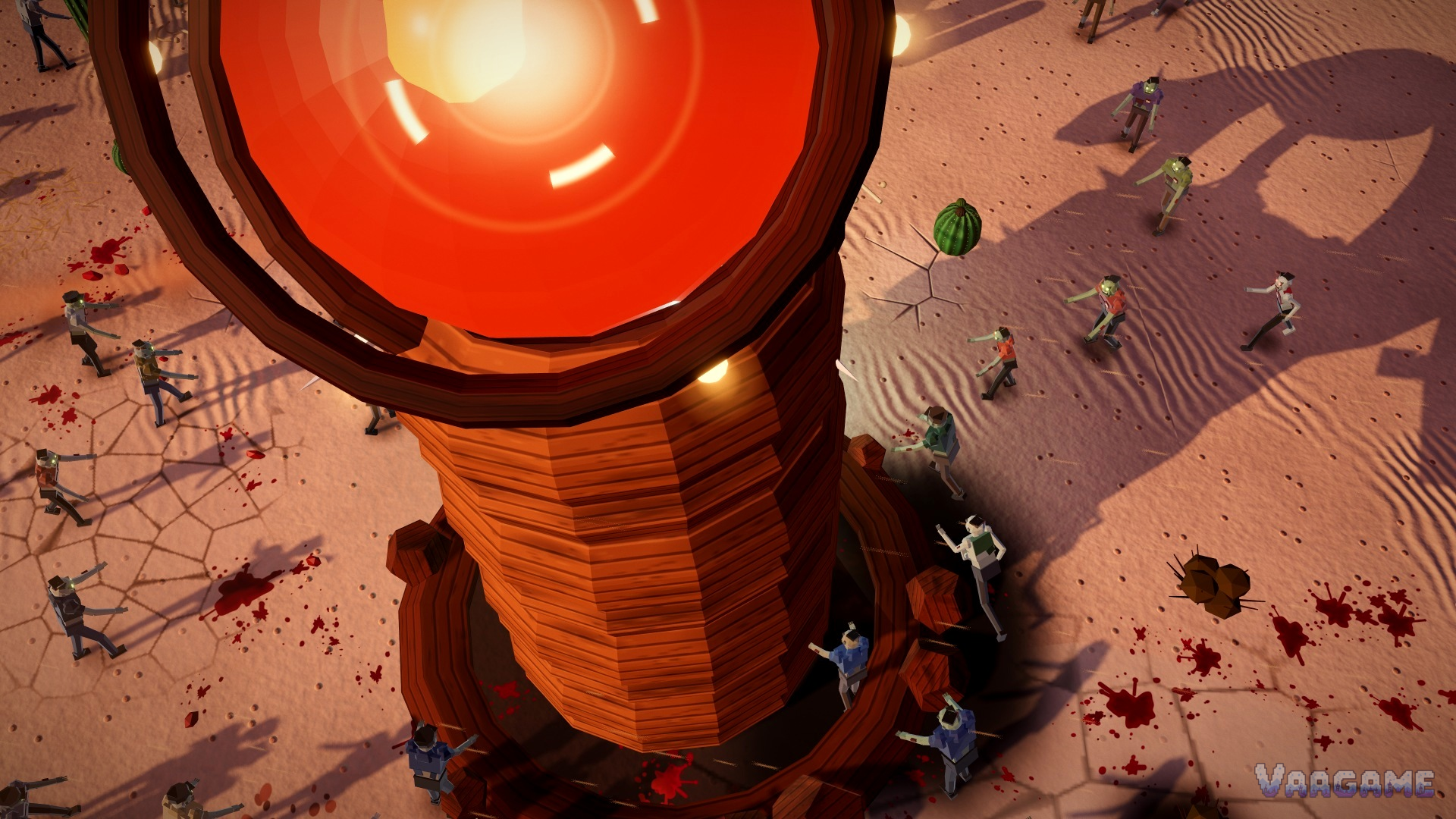
Your game's average frame rate is fine, and your game still feels terrible. That contradiction is the whole case. HORDEFALL felt laggy, especially in its menus, while its average FPS looked healthy. The developer only found the real problem when he stopped trusting the average and logged every single frame. The freezes were not slow frames at all. They were one-off stalls of up to four seconds, hiding inside a fine-looking average.
At a glance
The source: HORDEFALL Devlog #1, hunting down the random freezes, posted on itch.io on October 24,
2026. Every fact about the game below comes from that devlog, and the numbers are the developer's own reported test results, not independently reproduced measurements.
The game: HORDEFALL, a 3D top-down zombie horde shooter built with three.js and Electron for Windows, recently in Early Access when the devlog was posted.
The symptom: the game felt laggy, especially in the menu, even though average FPS was fine. Logging every frame showed one-off freezes of 0.3 to 4 seconds.
Not claimed here: no test hardware, GPU, operating system build, or three.js, Electron or Chromium versions, no price, and no split of how much of the improvement came from each single fix. The devlog gives none of those.
Last verified: October 31, 2026.
The average was lying by telling the truth
An average is a summary, and summaries hide outliers by design. If most frames run fast and a few frames freeze for seconds, the average can still look fine, because the fast majority outvotes the frozen minority. That is exactly the trap in this devlog. The developer logged every single frame plus CPU and GPU use, and the picture changed completely. The problem was not slow frames at all. It was one-off freezes of 0.3 to 4 seconds, worst in the menu, where a player notices every hitch because nothing else is moving to mask it.
The cause, as the developer states it, is first-use shader compilation on Windows. Chromium draws through ANGLE on D3D11, and every new kind of effect needs a GPU shader built the first time it shows up. That covered every CSS blur size, gradient, mask and blend mode in the menus, and every three.js material. Each build stalled the GPU for up to a second. The developer also states that Electron throws that shader cache away when you quit, so the first-launch cost came back every time. That cache claim is the developer's own statement in the devlog; this article reports it as his explanation, not as an independently verified Chromium behavior.
Four fixes, all aimed at first appearances
Once the cause was named, every fix follows the same idea: pay the first-use cost somewhere the player will not feel it, instead of in the middle of play. At boot, behind the loading screen, the developer draws every costly CSS effect once on tiny, almost invisible divs, 358 effects in about 1.3 seconds, so the shaders exist before any menu is opened. Bosses are now built hidden and compiled in the background during the WARNING screen, not on the first frame they appear. Auto graphics quality no longer switches mid-fight, only on card, shop or pause screens, because a quality switch recompiles every lit material. And the menu and HUD 2D canvases moved to the CPU, so they need no GPU shaders at all.
In the developer's own 400-zombie plus bosses test, total freeze time went from 55 seconds to 3 seconds, and the horde fight went from 11 FPS to 80 FPS, with first-launch menu stutter cut roughly in half. Read those numbers with the label attached: they are one developer's reported test, with all four fixes applied together, and the devlog does not say how much each fix contributed alone, or on what hardware. The useful part is not the exact multiplier. It is the shape of the result: a game that looked fine on average became dramatically smoother once first-use costs were moved out of gameplay, which is exactly what the frame-by-frame log predicted.
What to reuse
Nothing below is presented as what the HORDEFALL developer did beyond the four fixes already described; the checklist generalizes those fixes for your own project, and it stays inside it. The reusable habit is measuring distribution, not just average: a hitchy game and a slow game need different fixes, and only a per-frame log tells you which one you have. If your own game feels laggy while its average looks fine, do not start by lowering quality across the board. Start by finding the worst frames first.
What to do Monday morning
In your own project, log every frame for a test session, not just the average FPS. Look at the worst frames and the longest stalls first; that distribution is the diagnosis.
Check whether your own worst stalls happen on first appearance: a new menu effect, a new material, a new enemy type. First-use costs cluster at first appearances.
Pre-warm your own expensive effects behind a loading screen, the way this devlog did, and measure the warm-up time so it stays a loading cost, not a gameplay cost.
Build and compile your own heavy enemies or bosses before they first appear, on a screen the player already expects to wait on, not on their first visible frame.
Never auto-switch graphics quality mid-fight in your own game. Move quality changes to safe screens, where a recompile cannot interrupt play.
For your own menus and HUD, ask whether each 2D element needs the GPU at all. Moving cheap 2D work to the CPU removes a whole class of first-use stalls.