

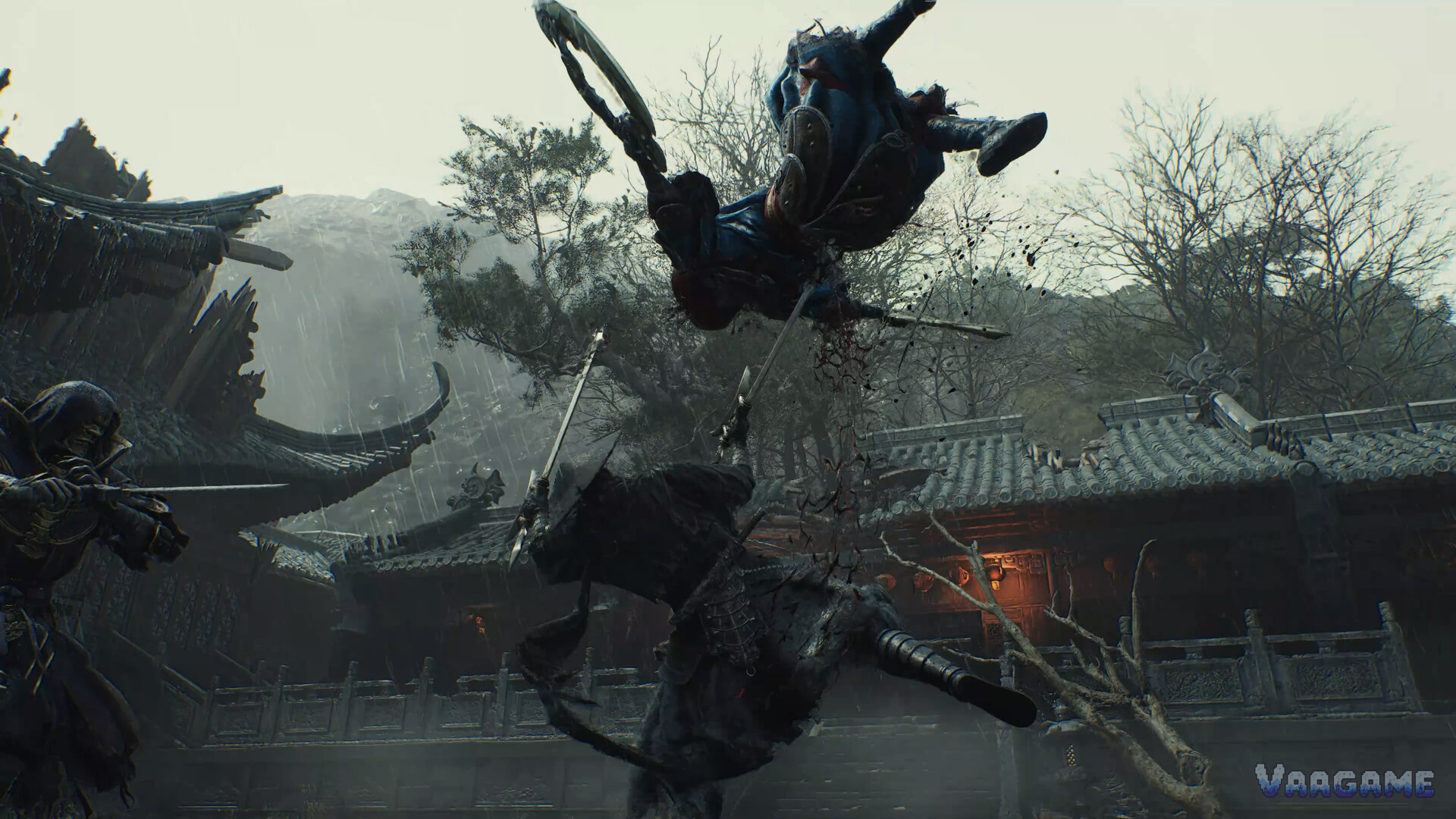
Before you change a single graphics setting in Phantom Blade Zero, check the official PC specs and run the built-in benchmark, because the official targets already assume upscaling is on and the base PS5 and storage figures many players quote are not official. This guide breaks down every official tier, explains the benchmark routine, and separates confirmed features from unconfirmed ones.
At a glance
First step
Check official specs, then run the built-in benchmark
Memory and storage baseline
16GB memory, DirectX 12, SSD required
Upscaling confirmed
DLSS 4.5, including multi-frame generation
Upscaling unconfirmed
FSR and XeSS
PS5 Pro
PS5 Pro Enhanced confirmed
Base PS5
Modes, resolution, and frame rate officially unpublished
Steam Deck
Not recommended for now, on pre-release review evidence
Last verified
October 26, 2026 (pre-launch facts)
Quick answer
Every official PC tier assumes 16GB of memory, DirectX 12, and an SSD, so treat those three as the floor.
Minimum is 1080p at 30 frames per second with upscaling on; recommended is 1440p at 60 frames per second with upscaling on.
Run the built-in benchmark before locking settings, and let its result pick your starting tier.
DLSS 4.5 is confirmed, while FSR and XeSS are unconfirmed, so do not plan a purchase around the unconfirmed pair.
Base PS5 modes, resolution, and frame rate are officially unpublished, and the PC download size is a reported value only.
1. Read the official tiers as targets with upscaling on
The most common misreading of these specs is to treat the frame rate targets as native rendering targets. They are not. The official minimum and recommended targets both assume upscaling is on, so your upscaling choice is part of the spec, not an optional extra. If you turn upscaling off and miss the target, you have changed the test.
The second misreading is the minimum CPU. The official minimum Intel CPU is the i7-8700K, paired with the AMD Ryzen 5
3600. An i5-8700K figure seen in one fan wiki is wrong, and that model does not exist, so any source quoting it as the minimum is unreliable on specs.
Across all four tiers, three requirements never change: 16GB of memory, DirectX 12, and an SSD. Those three are the floor for every target in the table, from minimum up to path tracing. A machine that misses any one of them is below spec, even if its graphics card looks strong on paper.
Swipe horizontally to view all columns.
| Tier | CPU | GPU | Target | Baseline |
|---|---|---|---|---|
Minimum | i7-8700K / R5 3600 | GTX 1660 6GB / RX 5500 XT 8GB | 1080p / 30 fps, upscaling on | 16GB, DX12, SSD |
Recommended | i5-10600K / R5 5600X | RTX 3060 Ti 8GB / RX 6700 XT 12GB | 1440p / 60 fps, upscaling on | 16GB, DX12, SSD |
Ray tracing | See recommended CPU baseline | RTX 5060 8GB | 1080p / 60 fps | 16GB, DX12, SSD |
Path tracing | See recommended CPU baseline | RTX 5080 16GB | 4K / 60 fps | 16GB, DX12, SSD |
2. Run the benchmark first, then lock your settings
Phantom Blade Zero includes a built-in benchmark tool, and it exists to remove guesswork from this decision. Specs tell you which tier your hardware resembles. The benchmark tells you what your specific machine actually does with the game, because memory, storage speed, and background load can make two machines with the same graphics card behave differently.
Keep the routine short: a benchmark result is only useful if you act on it in the same session, before changing settings from memory or from another player's setup.
Run the built-in benchmark on your current settings and note the result.
Pick the official tier closest to your hardware and your benchmark result, not the tier you wish you had.
Set resolution and upscaling first, since the official targets already assume upscaling is on.
Change one quality group at a time, then re-check performance in a busy scene.
Lock the settings once a busy scene holds your target, and stop chasing higher numbers.
3. Upscaling and ray tracing: confirmed versus unconfirmed
On upscaling, the confirmed list is short. DLSS 4.5 is confirmed, including multi-frame generation. That matters for Nvidia players, because multi-frame generation changes what frame rate targets are realistic on supported hardware. It does not change the spec table: the official targets still assume upscaling is on, and DLSS is one confirmed way to meet them.
FSR and XeSS sit on the other side of the line: unconfirmed, so no plan should depend on them yet. Buying or upgrading hardware in expectation of FSR or XeSS support bets on an announcement that has not happened. Wait for confirmation before treating either option as available.
Ray tracing and path tracing are separate tiers with separate cards. Ray tracing targets 1080p at 60 frames per second on an RTX 5060 8GB, while path tracing targets 4K at 60 frames per second on an RTX 5080 16GB. The gap between those cards is the point: path tracing is a flagship tier, not a default setting.
4. Console and handheld: what is confirmed and what is missing
On PlayStation 5, exactly one enhancement claim is confirmed: PS5 Pro Enhanced. That label says the Pro version has an enhanced treatment, and nothing else on its own. The base PS5 modes, resolution, and frame rate are officially unpublished, and pre-release reviews did not measure the base version either.
The advice follows directly. On a base PS5, wait for post-release measurements before judging performance, and do not compare against quoted figures with no official source. On a PS5 Pro, the Enhanced label is confirmed, and the same wait applies to any specific mode or resolution claim beyond the label.
On Steam Deck, the pre-release review evidence points the other way, and this guide labels it as such. Reviews show the game still below 30 frames per second on the lowest settings, with busy areas dropping near 10 frames per second. On that evidence, the Deck is not recommended for now, and the verdict should be revisited after release if performance changes.
5. Storage size and the Steam version: reported, not official
The official record has a gap on storage: the official capacity requirement is unpublished. A PC download size of about 145GB circulates in reporting, and a PS5 size of about 134.9GB circulates alongside it. Both figures are reported values only, not official figures.
One Steam-specific note: the Steam version uses Denuvo. That affects nothing in the spec table, and it is worth knowing before purchase if anti-tamper software matters to your setup. It does not change the benchmark routine or any tier target above.
FAQ
Can I play below the minimum specs?
The official minimum is the lowest tier with a published target, and anything below it has no official target to aim at. You can still run the benchmark to see what your machine does, but expect results below 1080p at 30 frames per second.
What does the built-in benchmark actually do for me?
It measures what your specific machine does with the game, instead of leaving you to guess from the spec table alone. Run it first, pick the tier closest to your hardware and result, then adjust one quality group at a time and re-check in a busy scene before locking anything.
Is DLSS available, and what about FSR and XeSS?
DLSS 4.5 is confirmed, including multi-frame generation. FSR and XeSS are unconfirmed, so neither should factor into a purchase or upgrade decision yet. If either option is confirmed later, it will be a new fact, not a correction to this guide.
Can I play on Steam Deck?
Not recommended for now, on pre-release review evidence. Reviews show the game below 30 frames per second on the lowest settings, with busy areas near 10 frames per second. Revisit this verdict after release if performance changes.
How large is the download?
The official capacity requirement is unpublished. A PC size of about 145GB and a PS5 size of about 134.9GB are reported values only, not official figures. Use them as planning estimates with headroom.
Related guides
Phantom Blade Zero Exploration Guide: 8 Ink-Style Regions, Vague Maps, and Fast Travel
Phantom Blade Zero Beginner's Guide: Buy, Install, and Plan Your First Week