

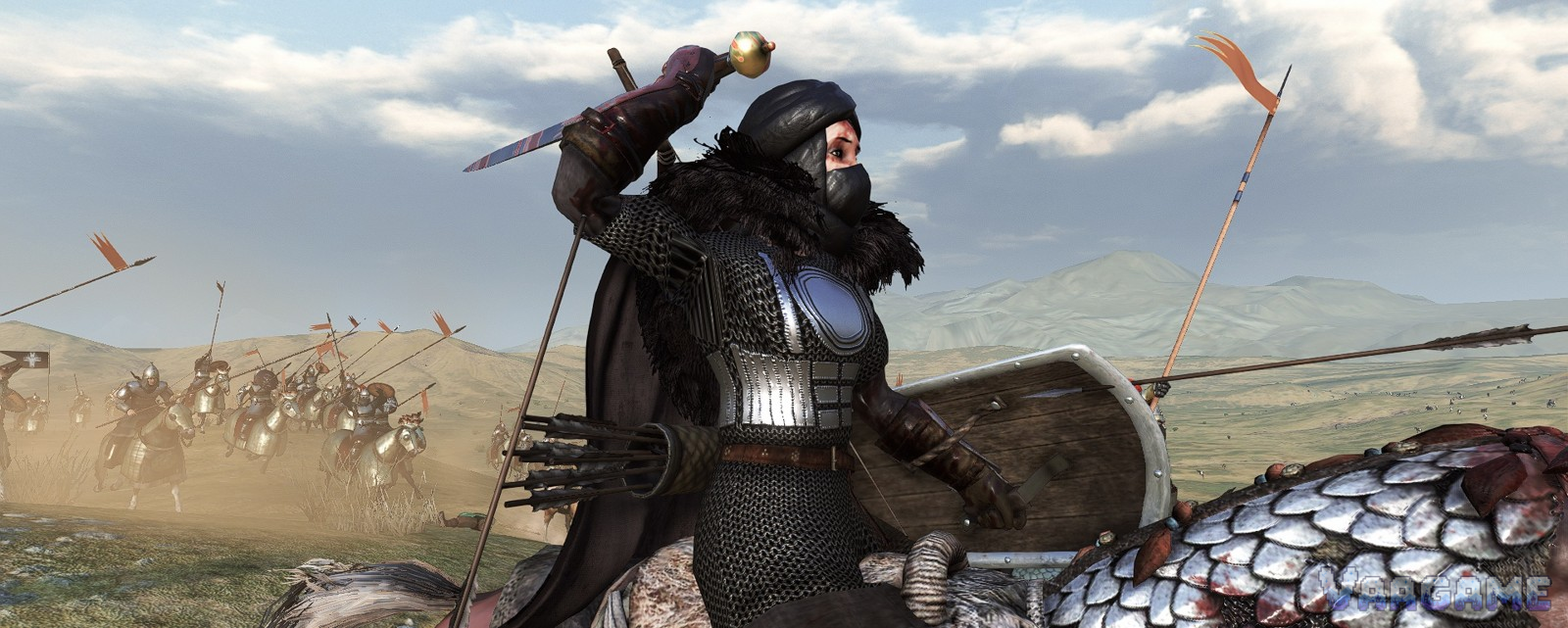
Bannerlord has one of the busiest mod scenes on PC, and also one of the easiest ways to break a campaign: install ten mods at once, in the wrong order, on the wrong game version. This guide starts with a safe installation method, then recommends mods in evidence grades. A mod is only listed as ready for the current version line when its own Nexus page says so; everything else is marked check-first, with the date it was checked. Nothing here is rehosted, no mod description is copied, and no hands-on testing is claimed.
At a glance
Platform: PC only. This guide does not cover console modding.
Channels: Steam Workshop and Nexus Mods
Official tooling: Bannerlord Modding Kit, including a War Sails Modding Kit
Evidence rule: each recommendation names its source page and check date
Checked: October 28, 2026
Before you install anything
Back up your saves. Copy the save folder somewhere safe before you change the mod list, and keep a pre-mod save you can return to.
Install one mod at a time. Launch the game after each addition. If it crashes, you know which mod did it.
Match the file to your game version. A mod page Files tab lists which game version each file is for; download the one for your version, not just the newest file.
Read the mod own requirements. Dependencies are not optional, and the wrong dependency version is the most common cause of a mod that silently does nothing or crashes on load.
If Windows blocks a downloaded file, unblock it. Several mod pages instruct you to unblock the DLL after download; a blocked DLL is a classic silent failure.
The foundation: four dependencies first
Most Bannerlord mods that have settings or touch the interface are built on the same four foundations. Install and enable these before any mod that requires them, and load them before the native game modules. The minimum versions below are the ones the Diplomacy page requires as of its October 23, 2026 update; if a mod you want requires newer ones, take the newer ones.
Harmony, version 2.4.2 or newer (required by Diplomacy v1.5.4).
ButterLib, version 2.10.2 or newer (required by Diplomacy v1.5.4).
UIExtenderEx, version 2.13.2 or newer (required by Diplomacy v1.5.4).
Mod Configuration Menu (MCM) v5, version 5.11.3 or newer (required by Diplomacy v1.5.4). This is what gives mods an in-game settings menu.
Source: Nexus Mods, Diplomacy description page, checked October 28,
2026. The Diplomacy page also recommends installing through Vortex but not using Vortex for mod ordering or launching, and recommends the Bannerlord Software Extender (BLSE) launcher.
Best mods, graded by evidence
Grade A means the mod own page states compatibility with the current version line. Grade B means the mod is actively maintained into the current era but its page does not state a game version outright, so check the Files tab. Grade C means the mod is well known and actively updated, but you must match the file to your version yourself before installing.
Grade A: stated compatible with 1.3.x to 1.4.x and War Sails
Bannerlord Plus
A large collection of optional gameplay features, every one of them disabled by default and toggled individually through MCM. Its page states game version Bannerlord 1.3.x to 1.4.x, compatible with the War Sails DLC, and lists Simplified Chinese among its supported languages. Useful first picks from its feature list include remote contact through messengers, a personal retinue, unlocking both perks instead of choosing one, and remote settlement management. Because everything is off by default, it changes nothing until you switch features on, which makes it a safe first content mod.
Arenas Extended
Reworked arenas for every culture, with three stages of development tied to town level, seasonal variation, and different setups for practice and tournaments. Its page states compatibility with 1.3+ and 1.4+ and the War Sails DLC, and states that the mod is safe to add and remove during a campaign. Its own installation note puts it at the bottom of the load order, because mods that change arenas overwrite each other. If you enter arenas constantly for tournaments, this is the most visible upgrade on this list.
Grade B: actively maintained, check the Files tab
Diplomacy, v1.5.4
A vanilla-friendly campaign and sandbox mod that widens what characters can do to the world: non-aggression pacts, granting fiefs to clans in your kingdom, claiming fiefs you led the assault on, war exhaustion, expansionism, and factions and civil wars, including seceding from a kingdom and forcing a ruler to abdicate. Its Nexus page was last updated October 23, 2026, at version v1.5.4, and its page states it can be installed mid-game with no issues and removed at any time. It requires the four foundations listed above at the minimum versions given there. This is the natural companion to our kingdom guide: it adds the diplomatic moves the vanilla vote system does not have.
Grade C: famous and updated, match the file yourself
Realistic Battle Mod (RBM)
A long-running combat overhaul that reworks armour and damage, projectile simulation, stamina and AI behaviour. Its Nexus page lists version 4.3.4, last updated July 9, 2026, and the authors newer notes describe version 4.5.3 changes including War Sails ship-ballista fixes, which shows the mod is being kept up through the War Sails era. That is not the same as a stated game-version match, so before installing, open the Files tab and confirm the file is for your game version. Do not install it on the strength of this paragraph alone.
Banner Kings
A large campaign overhaul covering titles, peers, religion, demesne management and settlement elections, with its own changelog reaching mod version 1.4.0. Its scale is exactly why it sits in grade C here: overhauls touch more systems than any other kind of mod, and a version mismatch costs more. Open its Nexus page, read the Files tab for the game version the current file targets, and check its requirements before you add it to a campaign you care about.
A load order that works
Foundations first: Harmony, ButterLib, UIExtenderEx, then MCM.
Then the native game modules, in their default order.
Then content mods, with Diplomacy-style dependency-first rules respected.
Arena-changing mods last: Arenas Extended own page puts it at the bottom.
Launch through the launcher the mod pages recommend, and check the in-game mod list for red warnings before you load a save.
When it crashes
Disable the last mod you added and launch again. One change at a time is what makes this fast.
Check dependency versions against the mod page, not against a guide that may be older than the mod.
Check for blocked DLLs and for a load-order warning in the launcher.
Report with a full crash report, not a screenshot of part of it. The Diplomacy page states plainly that partial reports will not be investigated.
Mods to skip for now
A mod page that still lists its tested game version as an early-era build is a warning, not a recommendation. Examples found during this check include pages whose stated tested version is 1.1.4-era. Those mods may still work, but nothing on their pages proves it for the current version line, so they are not recommended here. If you need one of them, ask on its page whether a current-version file exists before you install it on a campaign you care about.
Making your own: the official Modding Kit
TaleWorlds ships the Bannerlord Modding Kit, including a War Sails Modding Kit released in August 2026, with official documentation pages for the new naval systems. That is the supported route for building scenes, ships and naval content, rather than editing game files by hand. This guide does not teach the editor; it points you at the kit so you start from the supported tool.
FAQ
Where do I get mods: Workshop or Nexus?
Both channels exist. Steam Workshop installs through the Steam client, while Nexus Mods installs through Vortex or by hand into the Modules folder. Follow the installation instructions on the mod own page either way.
Can I add Diplomacy or Arenas Extended mid-campaign?
Their pages say yes: Diplomacy can be added or removed at any part of a campaign, and Arenas Extended is safe to add and remove during a campaign. Other mods do not promise this, so check each page.
Do mods work on console?
This guide covers PC modding only. The mods and tools named here are PC downloads installed through the PC launcher and Modules folder.
Why does the guide grade mods instead of just listing the most downloaded?
Downloads accumulate over years and across game versions. A grade based on what the mod own page states today is a better predictor of whether it works on your version.
Do mods disable achievements?
Not confirmed from official sources at check time. Do not assume either way; check the official documentation before starting an achievement run with mods enabled.